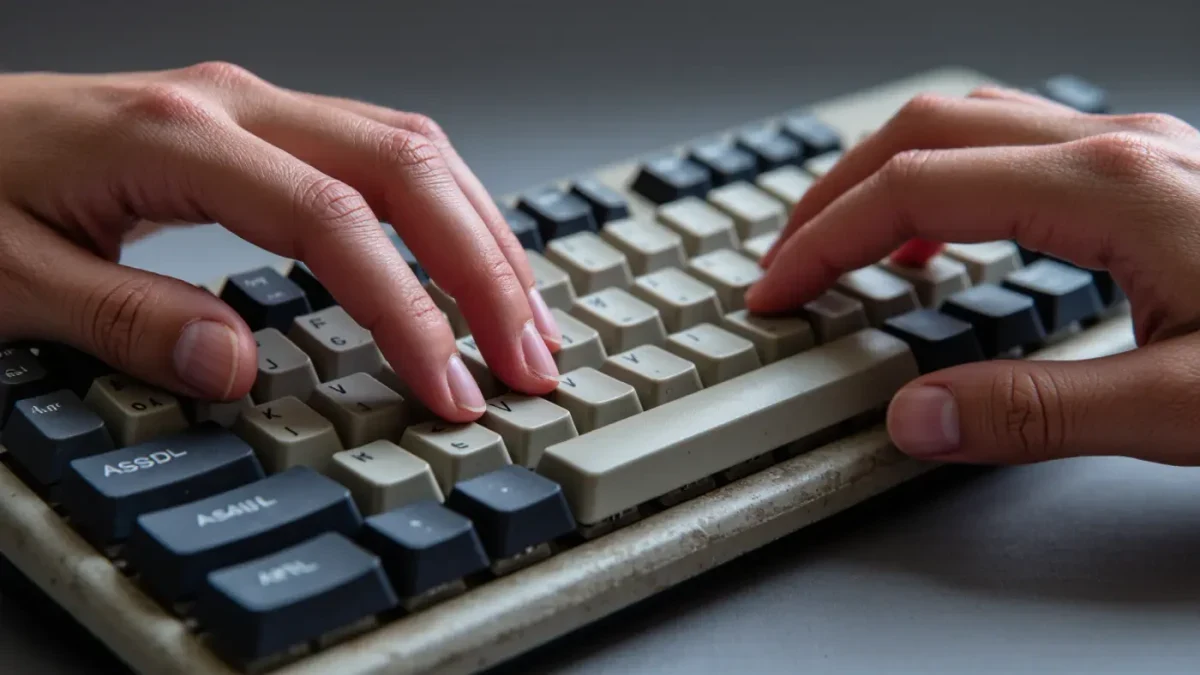
Typing still matters because the tests are digital, the essays are digital, and the jobs are digital. Most states now administer their annual assessments on computers — the federal NAEP assessments made the shift to tablet-based delivery years before 2026 — and by fourth grade, Common Core writing standards expect students to produce a full page of typed writing in a sitting. A slow hunt-and-peck habit quietly taxes every one of those tasks.
Yet dedicated typing classes have largely vanished from school schedules, which means the skill lands on families to fill in. The good news: touch typing is one of the most teachable skills in this series, and twenty focused minutes a day covers it.
Why Doesn't School Teach Typing Anymore?
When computer labs replaced typewriter rooms in the 1990s, many schools kept keyboarding classes. But as laptops and tablets spread and testing pressure grew, that instructional time was reallocated to tested subjects, and typing drifted into the assumption that kids simply absorb it because they grow up with devices. They do not. Researchers distinguish precisely this gap: young people are fluent consumers of screens but often poor producers of text, pecking out paragraphs at a fraction of the speed handwriting allows.
The gap shows up at the worst moments — on a timed state writing task, on a scholarship application, on a first job's data entry. And it compounds: a student who types 15 words per minute spends twice as long on every digital assignment as a classmate at 40, night after night, for years.
What Speed Should a Student Actually Reach?
Benchmarks vary by program, but common working targets look like this: by the end of elementary school, touch typing at roughly 15–20 words per minute with few errors; by the end of middle school, 30–40; by high school graduation, 45-plus, which is fast enough for lecture notes, long essays, and most workplaces. Adults who type professionally average around 40 words per minute — students do not need to beat that, just reach it.
Accuracy counts more than raw speed at every stage. A 30-word-per-minute typist at 98 percent accuracy finishes work faster than a 40-word-per-minute typist who must repair errors, because fixing mistakes is slower than making them correctly. Every good typing program scores both, and practice should pause whenever accuracy drops below about 92 percent.
| Stage | Working target | Why it matters then |
|---|---|---|
| Grades 3–5 | 15–20 wpm, correct posture | State tests go digital; typed responses begin |
| Grades 6–8 | 30–40 wpm | Long reports, email with teachers, dual-enrollment work |
| Grades 9–12 | 45+ wpm | Timed essays, applications, first jobs |
Timing matters too. Third or fourth grade, when small-motor control and reading are solid enough, is the sweet spot to start; starting later works as well, but the habit competes with heavier homework loads. Whenever a family begins, the sequence stays the same: accuracy first, speed second, and looking at the screen rather than the keys from the very first lesson.
How Do Students Actually Learn Touch Typing?
Touch typing — typing without looking at the keys — is a motor skill, like scales on an instrument. It is learned by correct, repeated motion, not by volume of ordinary typing. A student who types every day while hunting and pecking becomes an excellent hunt-and-pecker. The fix is deliberate practice with eyes off the keyboard.
- Pick one program and stay with it. Free and low-cost typing programs with structured lessons exist for every platform; what matters is finishing one sequence, not sampling five.
- Cap sessions at 15–20 minutes. Motor learning happens in focused blocks; longer sessions invite slumping and looking at the keys.
- Cover the hands. A paper towel over the hands, or a keyboard skin with printed letters, removes the temptation to peek. Not looking is the entire skill.
- Insist on home row. Fingers return to the home row after every reach. Speed built on wrong fingering plateaus early and is painful to relearn.
- Track speed monthly, not daily. Daily scores wobble; a monthly two-minute test shows the trend and keeps motivation honest.
One honest caveat: early practice feels slower than the old habit, and for a week or two a student's typed output may drop below their hunt-and-peck pace. That dip is normal and temporary, and it is the main reason learners quit in week two. Naming it in advance — "this gets worse before it gets better, around day ten it turns" — is usually enough to carry a student through to the payoff.
Should Students Type on Tablets and Phones Too?
A physical keyboard is the right place to learn. Touchscreens give no tactile feedback, so finger muscle memory — the core of the skill — does not form properly on glass. Students can practice on a laptop, an external keyboard, or an inexpensive wired keyboard plugged into a tablet; families report old keyboards work fine for this.
Phone typing is a separate, genuinely useful skill, but it should not be the training ground. Two-thumb swiping does not transfer to the ten-finger typing that essays, exams, and offices require, and hours of it can cement exactly the wrong reflexes if started before real lessons do.
What About Handwriting — Does Typing Replace It?
No, and the research says keep both. Studies of note-taking, most prominently a 2014 Princeton and UCLA comparison, found students who took notes longhand processed ideas more deeply than laptop users, because slower handwriting forces summarizing. The practical split for most students: handwriting for class notes and math, typing for drafts, reports, and anything timed or long. The two skills serve different moments, and a strong student commands both.
How Can Parents Support the Process?
Parents can set the frame: a real keyboard, a visible 15-minute practice slot — it pairs naturally with the start of a homework routine — and a monthly look at speed and accuracy together. Praise accuracy and consistency rather than raw speed, and resist the urge to buy fancy ergonomic gear early; any working keyboard teaches the same finger paths.
The payoff is quiet but permanent. Students who type well stop losing time to the tool and spend it on the thinking — which is the only part of the work that was ever supposed to be hard.